Pallas AMS Apps – The destop applications.
Pallas AMS Apps are destop applications and are commissioned and developed to make them available to users for their daily work.
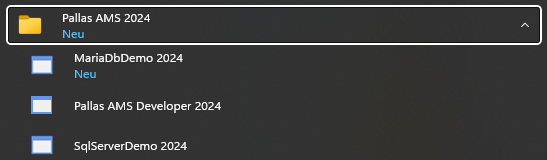
Users install the new Pallas AMS Apps or their updates. These are then available for execution in the Pallas AMS 2024 folder and/or a higher version number.
Here are some examples:
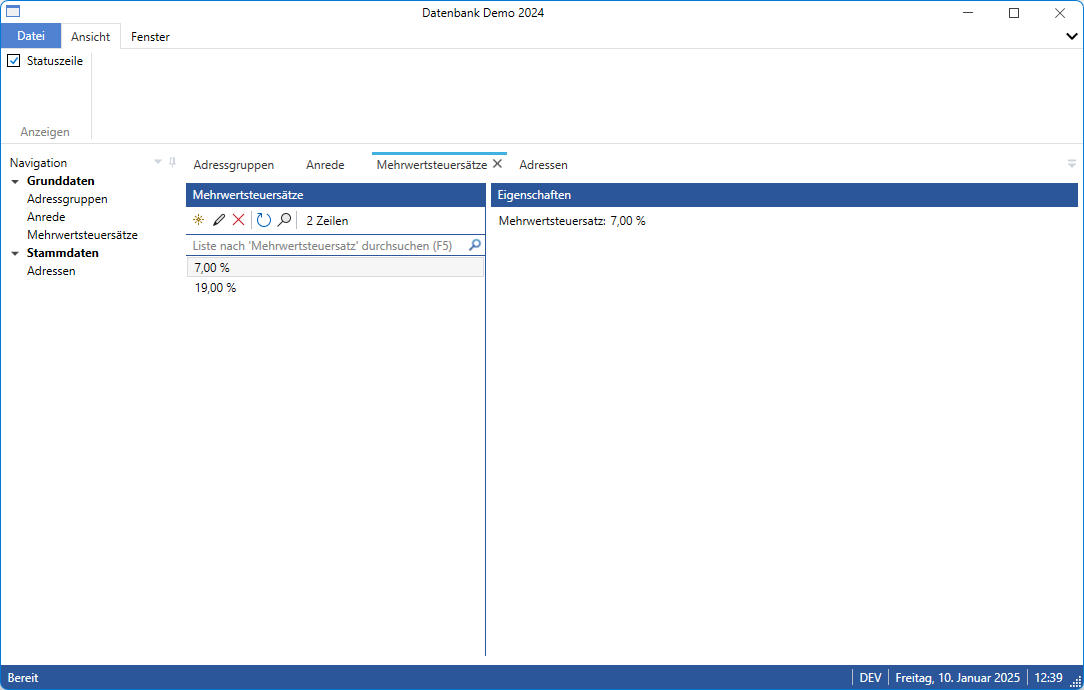
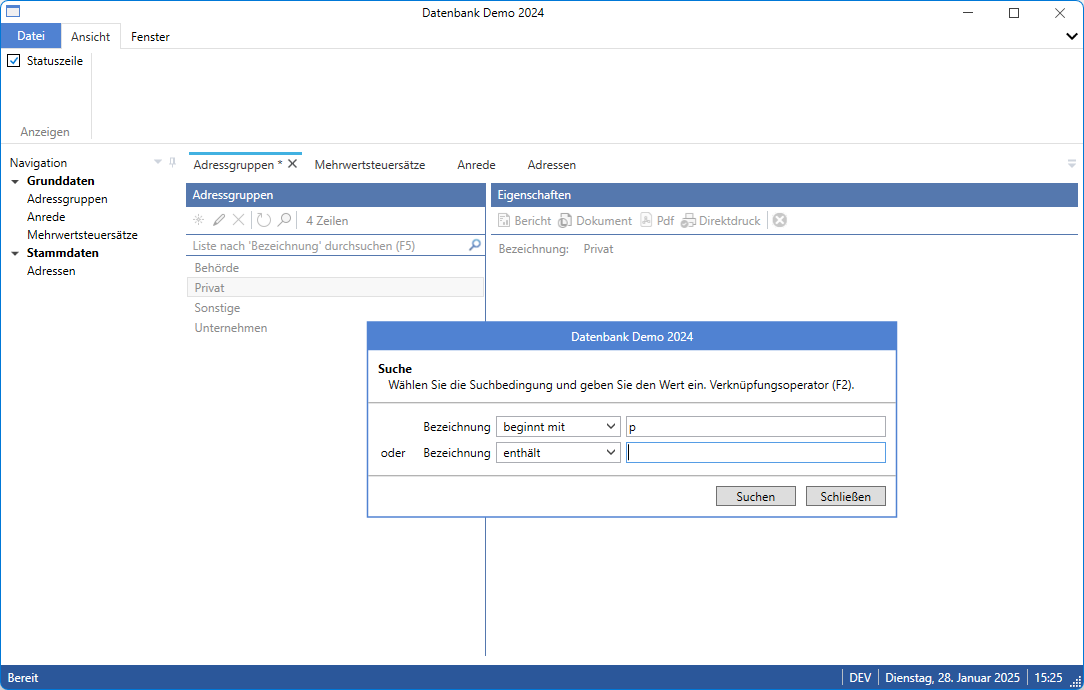
This is what a typical Pallas AMS App with standard implementation could look like.
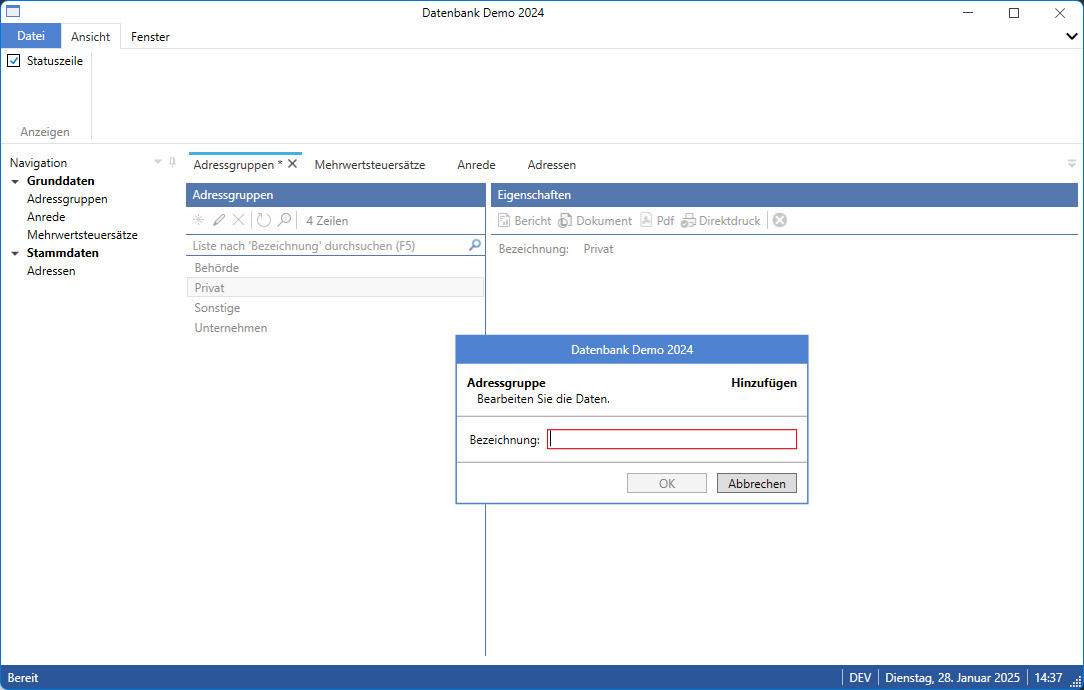
The data is edited in tabbed dialog windows. In the simplest case, only a text field is edited.
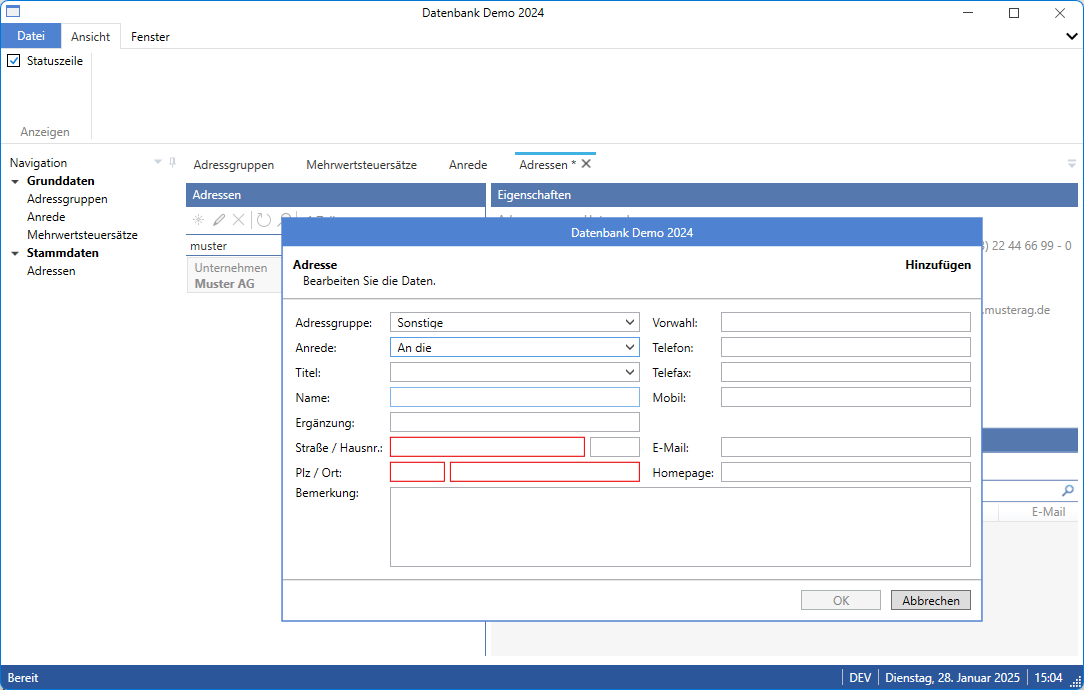
As a rule, however, more complex data and dialog windows are required. In this case, a second dialog window is required for editing.
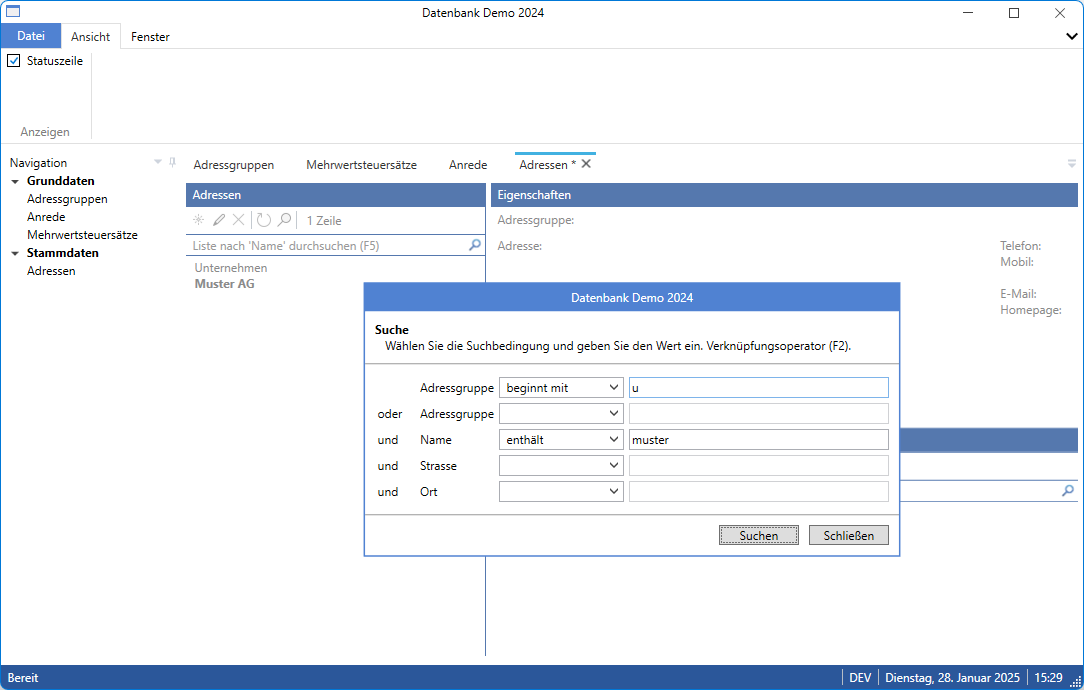
It is similar with the search: from a simple to a more complex search dialog.
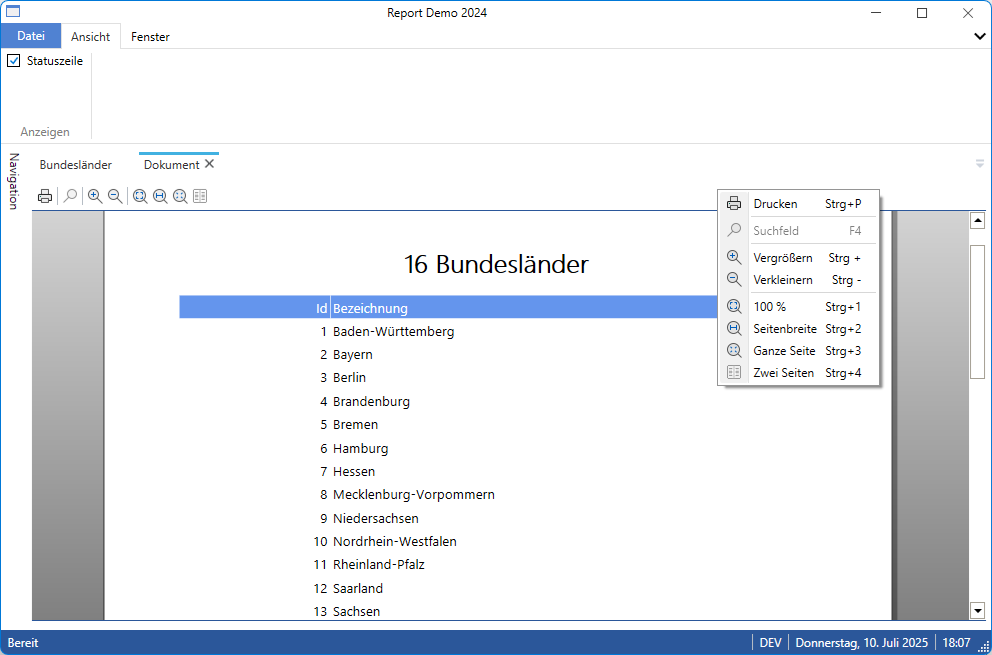
A typical use case for Pallas AMS Apps is the provision of aggregated data with print functionality.
In the simplest case, the standard is extended by the missing functions.
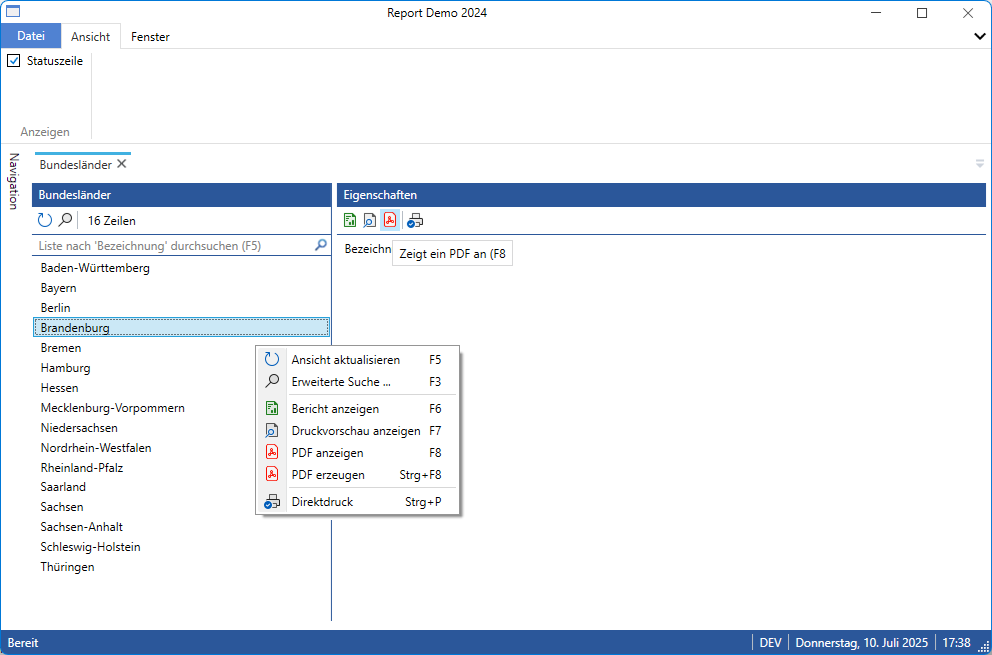
Both the toolbar in the Properties pane and the context menu are supplemented with a few elements.
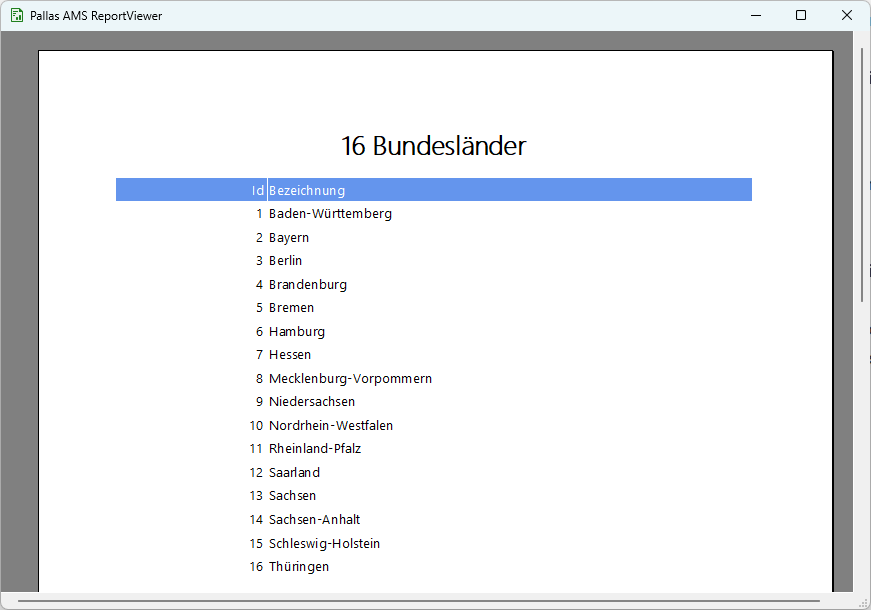
The report is created and then displayed. The print preview can also be created and displayed in this way.
The same principle applies to direct printing and the creation and/or display of PDFs.
Reduction of complex issues to the basic structures