Pallas AMS Business – For users.
With Pallas AMS Business, users can install and access Pallas AMS Apps. The features and functions presented are available in both Pallas AMS editions.
The required .NET runtime environment is available as a free download on a Microsoft homepage.
The Installer supports different scenarios:
A new Pallas AMS App is to be made available to users.
This will be made available in a folder on the network, for example. Users are informed of this. Or users save the Pallas AMS App via download in a local folder.
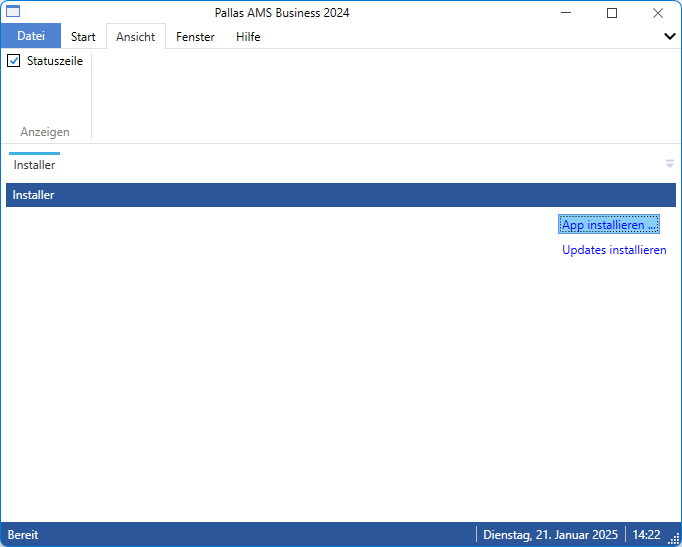
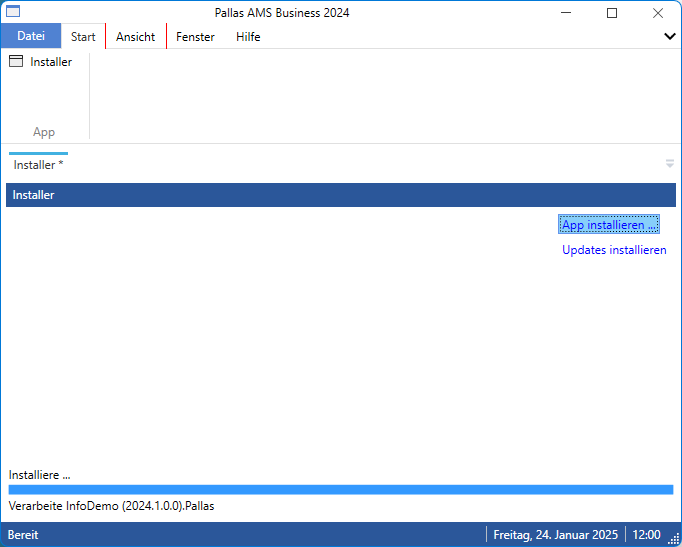
They select the new Pallas AMS App by clicking the Install App … button.
After successful installation, users can work with the new Pallas AMS App.
The development team provides updates for the Pallas AMS App. A corresponding message is displayed in the status bar.
Once the updates have been successfully installed, users can now work with the latest Pallas AMS App.
The Options dialog is available as a menu element in the File menu item.
Two languages are supported: German and English. There are two color schemes and various background colors to choose from.
Other options can also be specified.
Reduction of complex issues to the basic structures